
Know exactly what every project costs
Assign resources to projects, share costs across teams, and get a clear picture of your monthly expenses - all in one place.
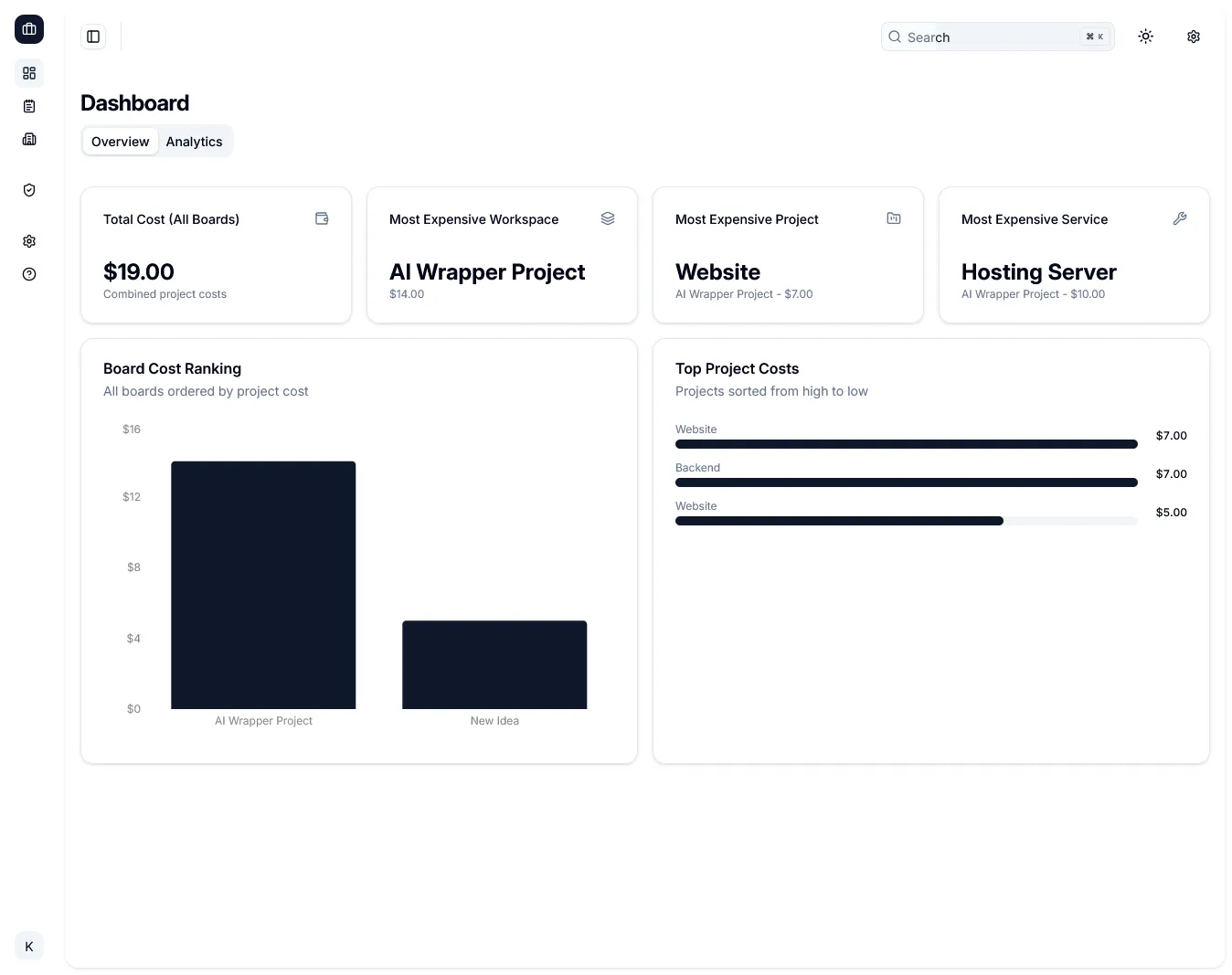
Everything you need to manage project costs
Simple, focused tools - no bloated spreadsheets, no complex setups.
Simple, transparent pricing
Start free, upgrade when you need more.
- 1 workspace
- 2 projects
- 3 resources
- Cost overview dashboard
- Unlimited workspaces
- Unlimited projects
- Unlimited resources
- Cost overview dashboard
- Priority support
- Unlimited workspaces
- Unlimited projects
- Unlimited resources
- Cost overview dashboard
- Priority support
- All future updates
Prices shown in EUR. Taxes may apply depending on your location.
Ready to take control of your project costs?
Start tracking in minutes. No credit card needed for the free plan.
Frequently asked questions
Quick answers to common questions about ProjectCost.
What is ProjectCost?
ProjectCost is a simple tool to track how much you spend on each project. You create workspaces, add projects and resources (like tools or subscriptions), assign monthly costs, and see per-project totals in one dashboard.
Do I need a credit card to start?
No. You can start on the free plan without entering a credit card. The free plan includes 1 workspace, 2 projects, and 3 resources. Enough to try everything out.
How does resource sharing work?
When you use one resource (e.g. a subscription) across multiple projects, you can split its cost by usage. ProjectCost calculates each project's share so your totals stay accurate.
What does the one-time plan include?
The one-time plan includes everything that is part of the yearly plan. There are no recurring or annual charges. Any paid add-ons for yearly must also be purchased separately for the one-time plan.
How is this different from a spreadsheet?
You could use a spreadsheet! But everything simply looks better in a fancy web app. And it’s much less likely to get lost somewhere between “Final_v3” and “Really_Final_THIS_ONE.xlsx”.